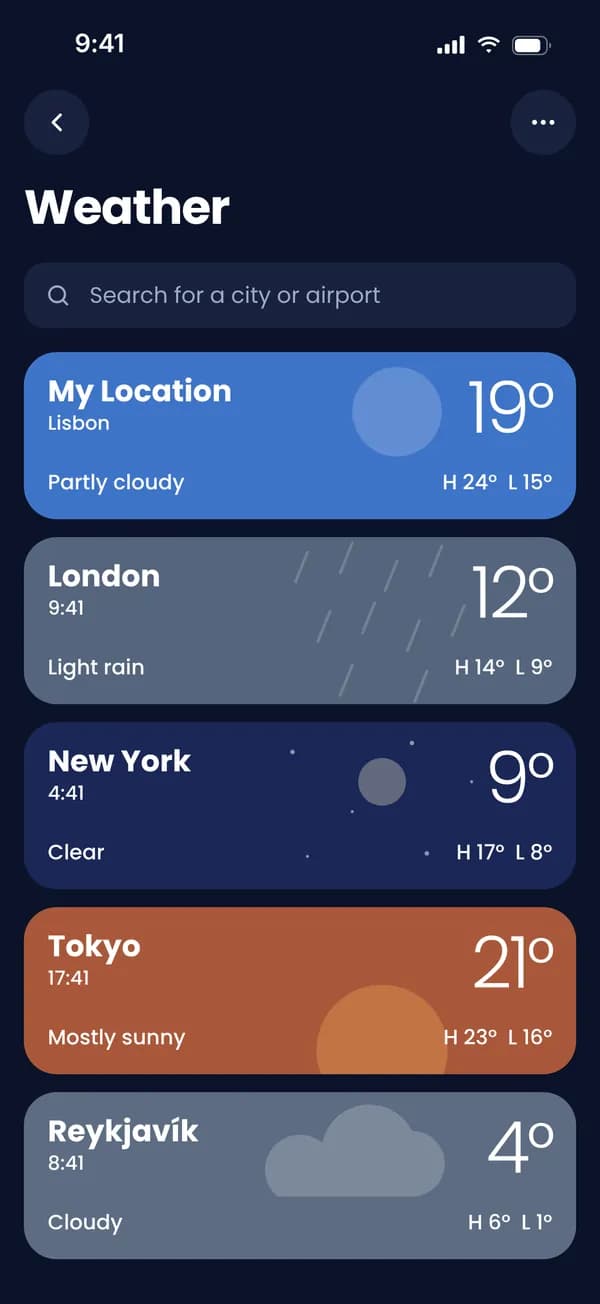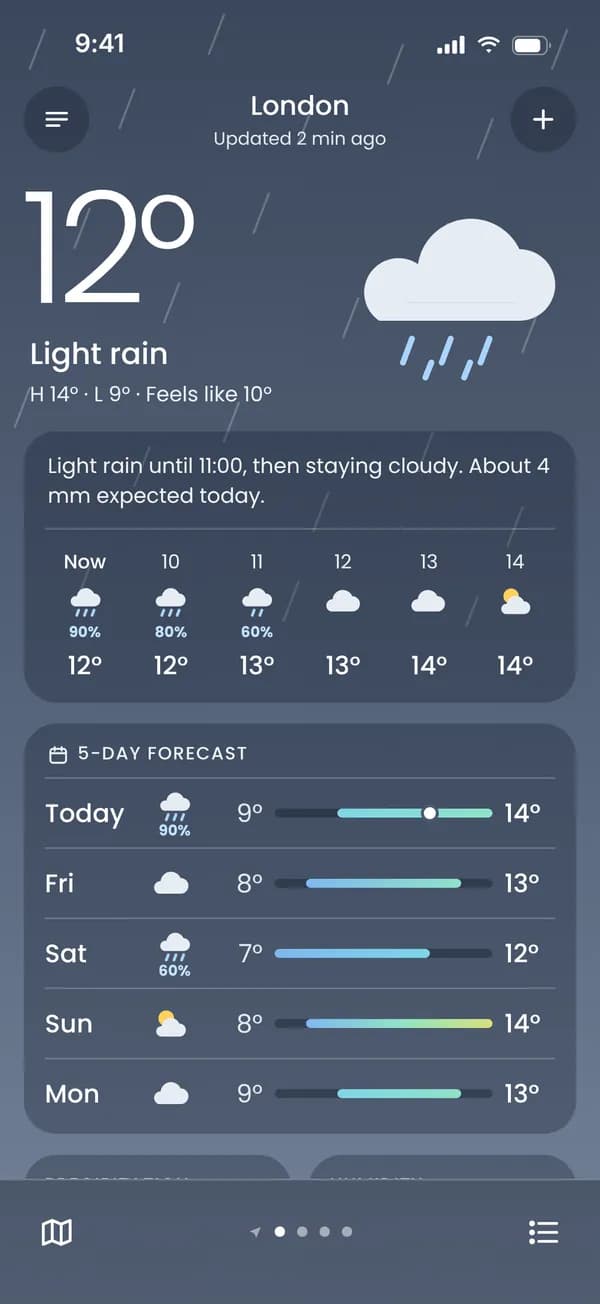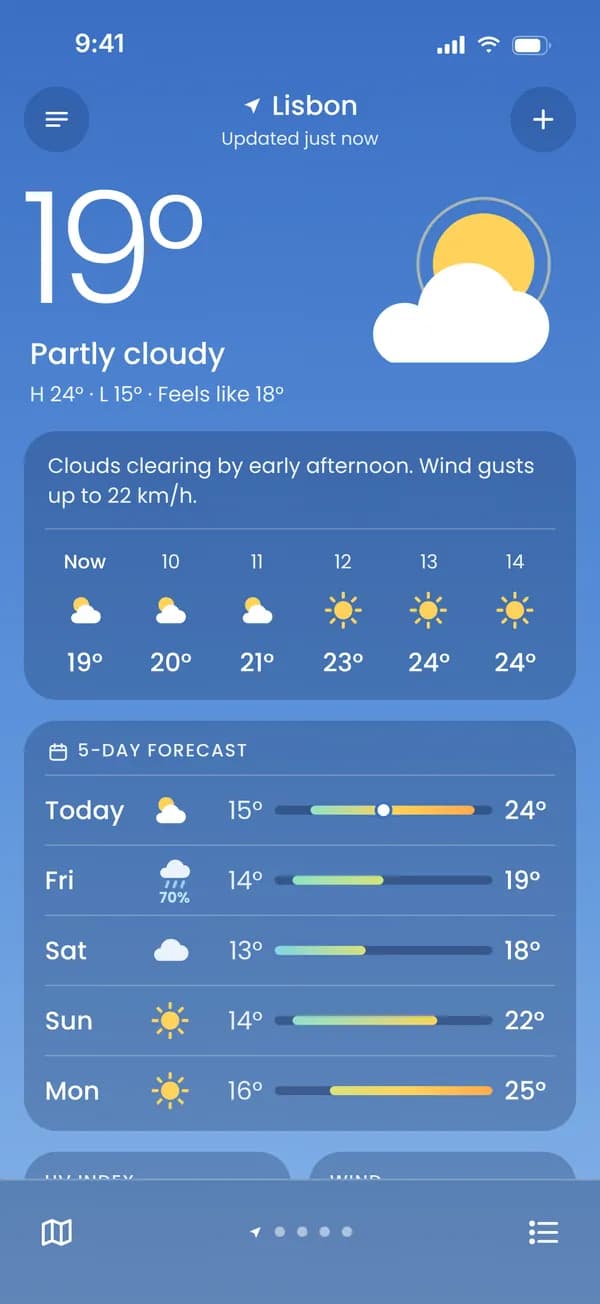
Pick a design
Choose a ready-made design, or answer a few questions and let it build itself around your own screenshot.
Upload a screenshot, drop it into a frame, write the copy. No design tool to install — what you preview is what you download.
Try it freeChoose a ready-made design, or answer a few questions and let it build itself around your own screenshot.
Double-click a heading on the canvas and type in the rich-text editor; it shows up on the canvas instantly. Make a single word bold, italic or coloured.
Write your headline for each language — add up to 10 of 80+ languages per project.
Download a single ZIP sized for the App Store and Google Play.
All of it works today — the numbers below come from the product's own limits.
Double-click a heading and the rich-text editor jumps to it; what you type shows up on the canvas instantly. Drag, rotate and nudge objects pixel by pixel with the arrow keys.
Image, icon, emoji, illustration, badge, arrow, magnifier, text box and shade. Place up to eight per screen, anywhere.
Spread one design across neighbouring screens. Backgrounds and devices run through the seams without a break.
Guides while you drag, one-click centring, and “apply this to every screen” buttons.
Begin with a ready layout, then change everything. Switching templates does not erase the copy you wrote.
One button turns your screenshot's dominant colours into background, text and accent. Browse templates recoloured in your palette; the text colour always clears the readability threshold.
One switch per device: 9:41, full signal, full battery. Your own battery and clock stay out of the shot; pick the bar colour to suit the screen.
Describe your app and the mood, add screenshots if you like, and the AI model you pick drafts the design and the headlines. Preview first, apply only if you like it. Each prompt costs the model’s price in credits. The AI doesn't create images: it only arranges screenshots, template elements and text.
Bold, italic, underline and colour, word by word. Up to six texts per screen; the heading and subheading can move apart.
Upload your brand font as TTF or OTF; each weight is its own file and a family is grouped on one line. The canvas and the export draw the same font.
Pick from 80+ languages, with separate copy and separate screenshots per language. Arabic and Hebrew run right to left; Japanese and Hindi are drawn in their own scripts. A missing translation stops the export.
Every screen's copy in one table, language by language. For supported languages, fill the gaps with one-click machine translation, then polish them in the same rich-text editor — bold and coloured words carry over.
Only the first three screenshots show up in App Store search results. The editor marks them “In search”, so your strongest message doesn't end up on screen seven.
Saves are kept as versions (the latest 50 per project); preview an older state and roll back to the one you want. The state before a template or an export is saved too.
If a save can't reach the server, your work is kept in your browser. Next time you see both versions side by side and choose which to keep; the server's version goes into version history too.
Every language in the project and the sizes you pick arrive in one ZIP, with folders named by each store's own language code. You can download a single screen too.
Missing translations, empty headlines, devices with no screenshot, headlines nobody can read in search… The editor checks every target, every language and every screen in one window, so Export holds no surprises.
If a headline doesn't read against its background, the editor tells you, with the contrast ratio. Weak and unreadable are separate levels; it warns, and the design call stays yours.
A headline that looks elegant on the canvas shrinks to thumbnail size in search results. The editor measures the size actually drawn and, if it won't read, tells you the minimum size you need.
A small screenshot scaled up to a big device turns blurry. The editor tells you before you export, with the pixel size you need — and when the aspect ratio differs, how much gets cropped off the edges.
Your set is what people see in search results. Switch the store and language to see how the same project holds up in every listing.
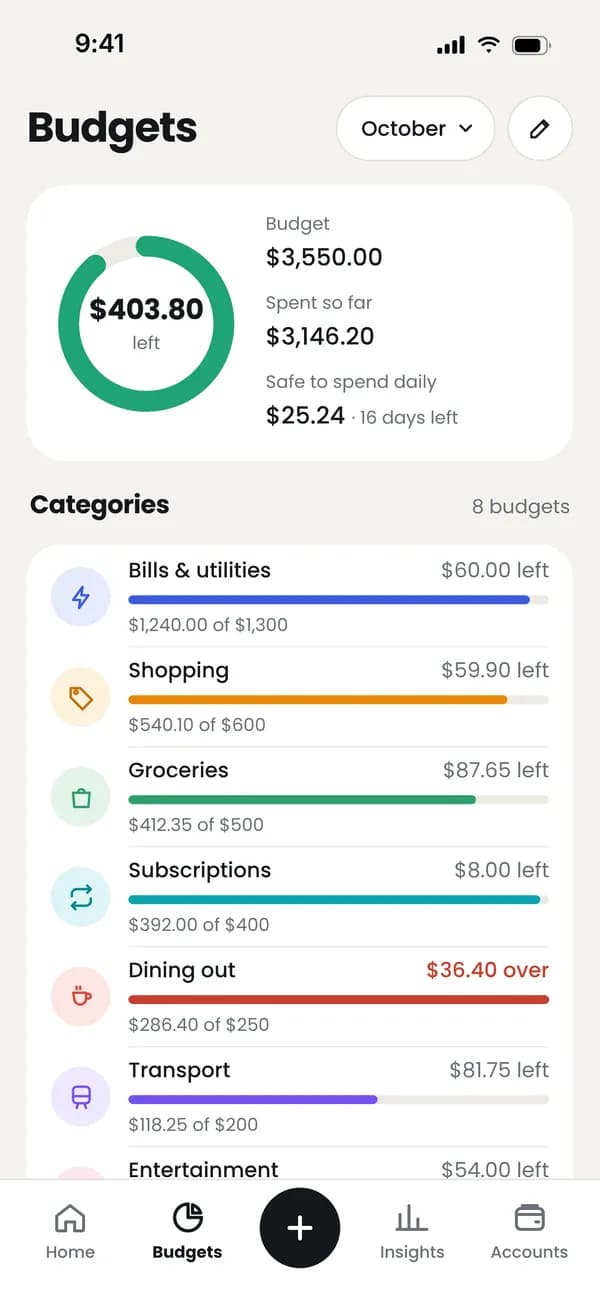
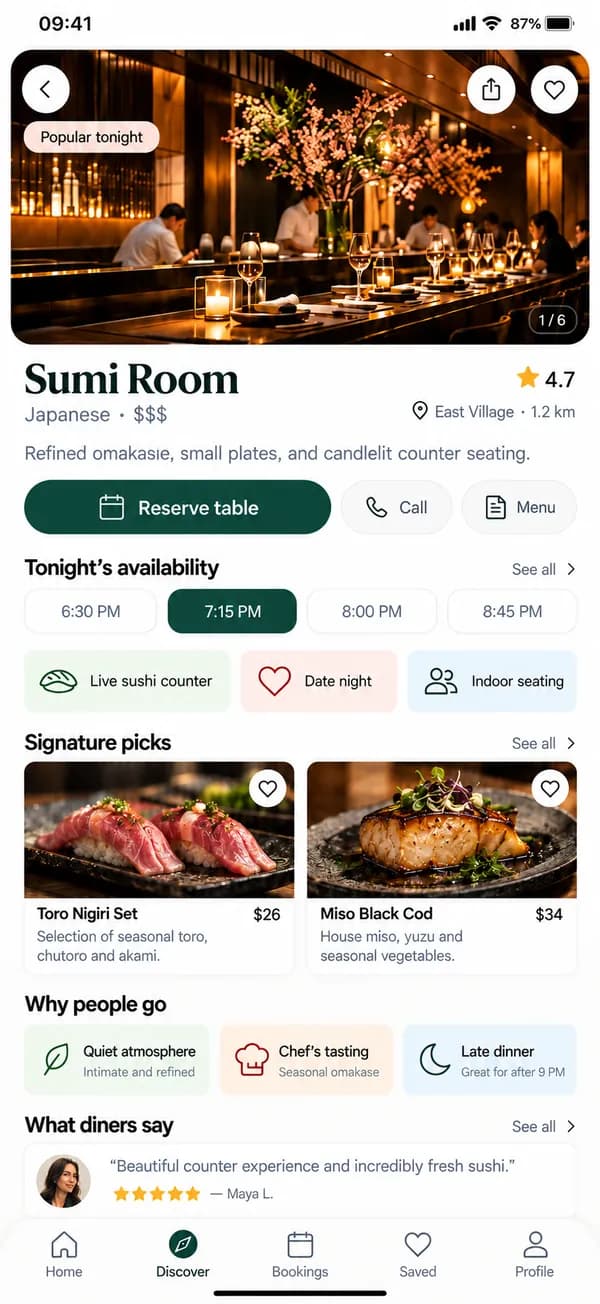
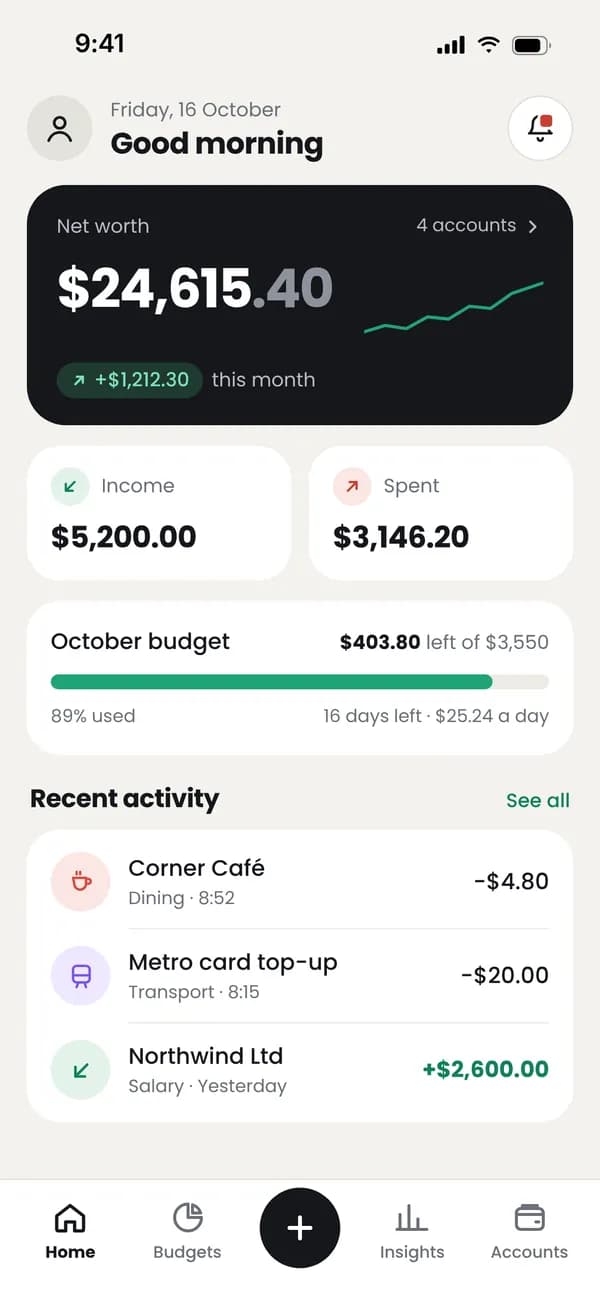
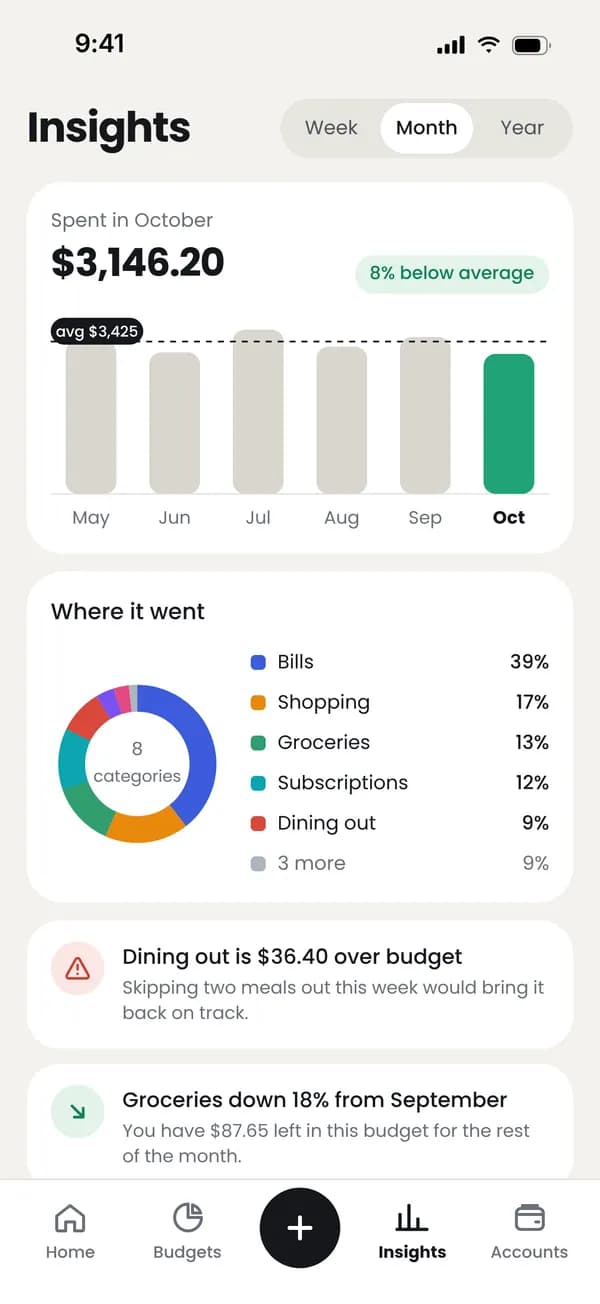
Illustrative preview · sample app
Create your free account, open your first project and design with every editor feature. You only pay when you want watermark-free exports.
 TR
 EN
 DE
 JA
 AR
 ES